VHOLUME Controls
Bind for momentum: keep jump, slide, and look inputs reachable without breaking stride.
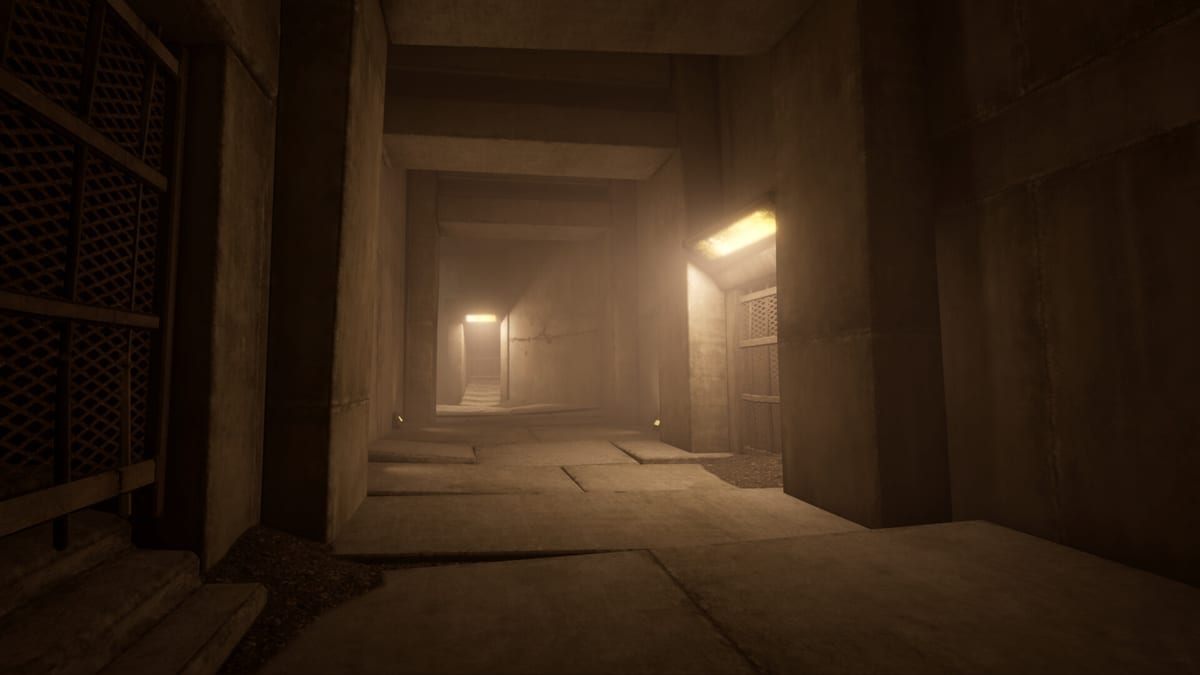
Clean inputs are half of parkour mastery. VHOLUME asks you to run, jump, climb, and slide with freedom across brutalist geometry, so your control scheme must keep those verbs under your fingers without constant menu visits. This page explains how to think about bindings for keyboard/mouse and controllers, then points you to the printable controls cheatsheet.
Core verbs to prioritise
Regardless of device, protect these actions:
- Move — continuous WASD or left stick; strafing while looking ahead is normal.
- Jump — the most spammed input; bind somewhere durable.
- Slide / crouch — essential for maintaining or converting speed on declines and through low gaps.
- Climb / interact with verticals — often contextual, but you still need reliable approach angles.
- Look / camera — Steam lists camera comfort options; lower shake if you are sensitive.
- Pause / menu — keep it far from jump so you never open the menu mid-line.
Exact default labels can vary by patch, so open the in-game options after installing the demo and photograph your bindings. Then mirror them on the cheatsheet tool page.
Keyboard and mouse approach
Many speed-focused players prefer mouse look for precise wall approaches. Bind jump to a comfortable thumb or mouse side button if Space feels mushy during long sessions. Slide should sit near movement keys (Ctrl or C are common instincts). Avoid putting critical parkour actions on the opposite side of the keyboard from WASD. If you use a laptop trackpad, switch to a real mouse before attempting gold medals—the Gold Medals guide assumes stable look sensitivity.
Controller approach
Full controller support means you can learn entirely on a pad. Use a clickable stick or bumper for slide if the face-button jump already occupies your right thumb. Lower look sensitivity slightly compared with shooters; VHOLUME lines reward smooth arcs more than flicks. Enable any available aim/camera comfort settings listed on Steam if motion discomfort appears during long hub laps.
Sensitivity and comfort
Start with moderate look speed. Too high and wall-runs become coin flips; too low and you under-rotate into corners. After ten minutes on the hub circuit from the Demo Walkthrough, adjust by 5–10% increments only. Custom volume controls are also listed among Steam features—keep footsteps audible; audio cues help time landings.
Practice drills for inputs
- Strafe in a figure-eight while holding sprint/run rhythm.
- Jump → slide → jump without stopping look input.
- Approach a climbable face at three different angles.
- Repeat a short rooftop line until your fingers stop hunting for keys.
These drills pair with Movement & Momentum. If a drill fails because you forgot a bind, fix the bind before blaming the route. When you discover shortcuts, note whether they need a special input combination; log them beside the Shortcuts & Secrets tips.
Multiplayer input hygiene
In multiplayer sessions, do not rebind mid-race. Stable inputs let you compare ghosts fairly. If friends use controllers while you use keyboard, agree on a warm-up lap so nobody evaluates skill during bind confusion.
Related pages
Controls are not glamorous, but every gold replay you admire is also a story about reliable fingers. Set bindings once, then spend your attention on architecture.
Closing note
Keep one insight from « Controls » beside your next demo launch, then verify it on concrete before chasing gold on 21 August 2026 prep nights.
Frequently Asked Questions
Quick answers to the most common questions.
Does VHOLUME support controllers?
Yes. Steam lists full controller support for the game.
Where is a quick reference?
Use the Tools controls cheatsheet page for a compact binding checklist.
Should I copy pro bindings?
Copy principles (jump and slide reachable), not someone else’s exact keys, until your hands agree.
Can I change camera comfort?
Steam lists camera comfort features. Check in-game options if motion effects feel strong.